Restaurant table ordering
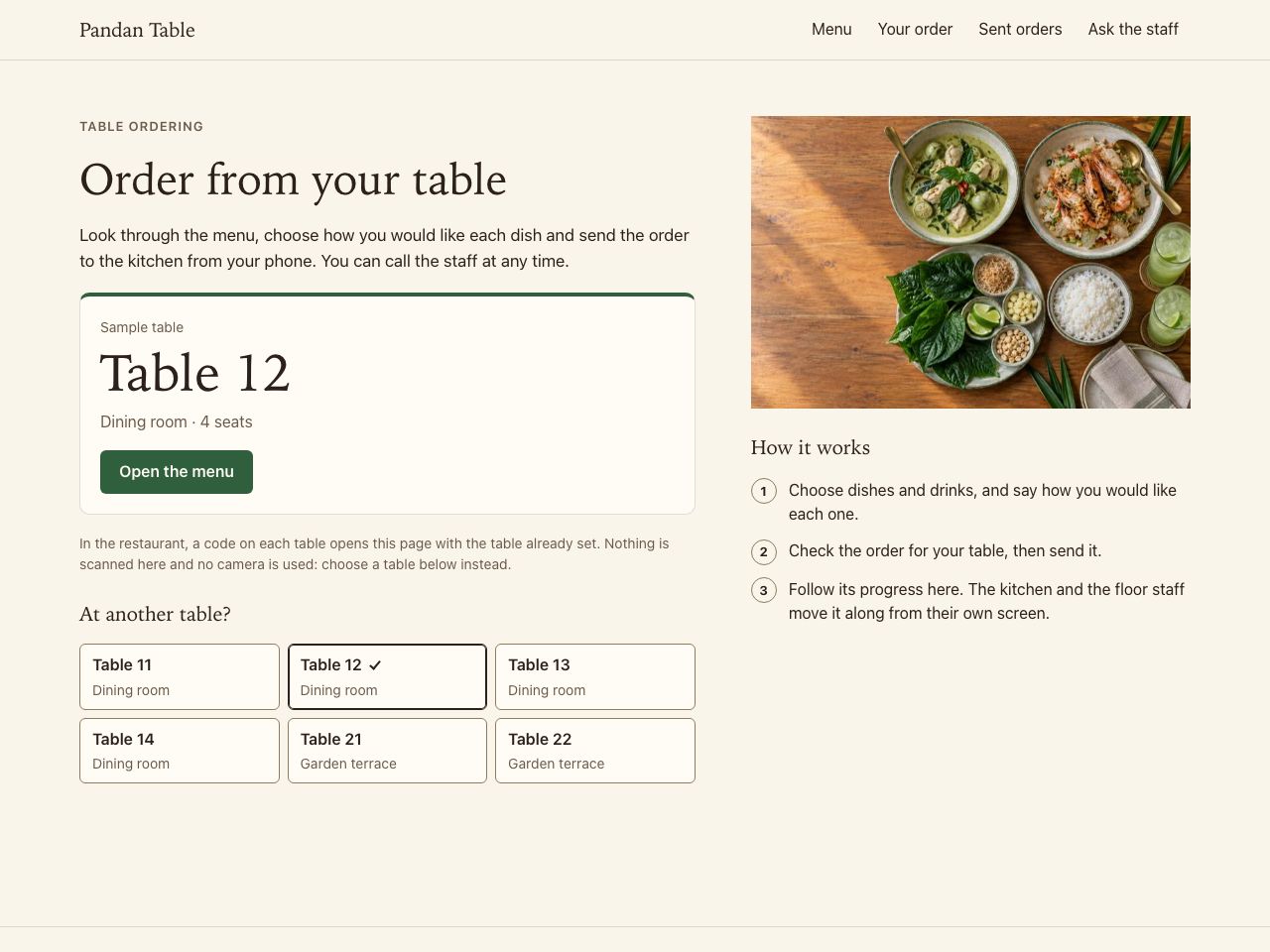
Pandan Table · Modern Thai neighbourhood restaurant
Try Add a main with its option, add a drink, change a quantity, review the order for your table and send it.
In this example
QR Ordering
Let guests see the menu and send orders or requests from the right table.
Fictional examplePandan Table · Restaurant table ordering
Try Add a main with its option, add a drink, change a quantity, review the order for your table and send it.
Showing an example for Restaurant. Change venue type
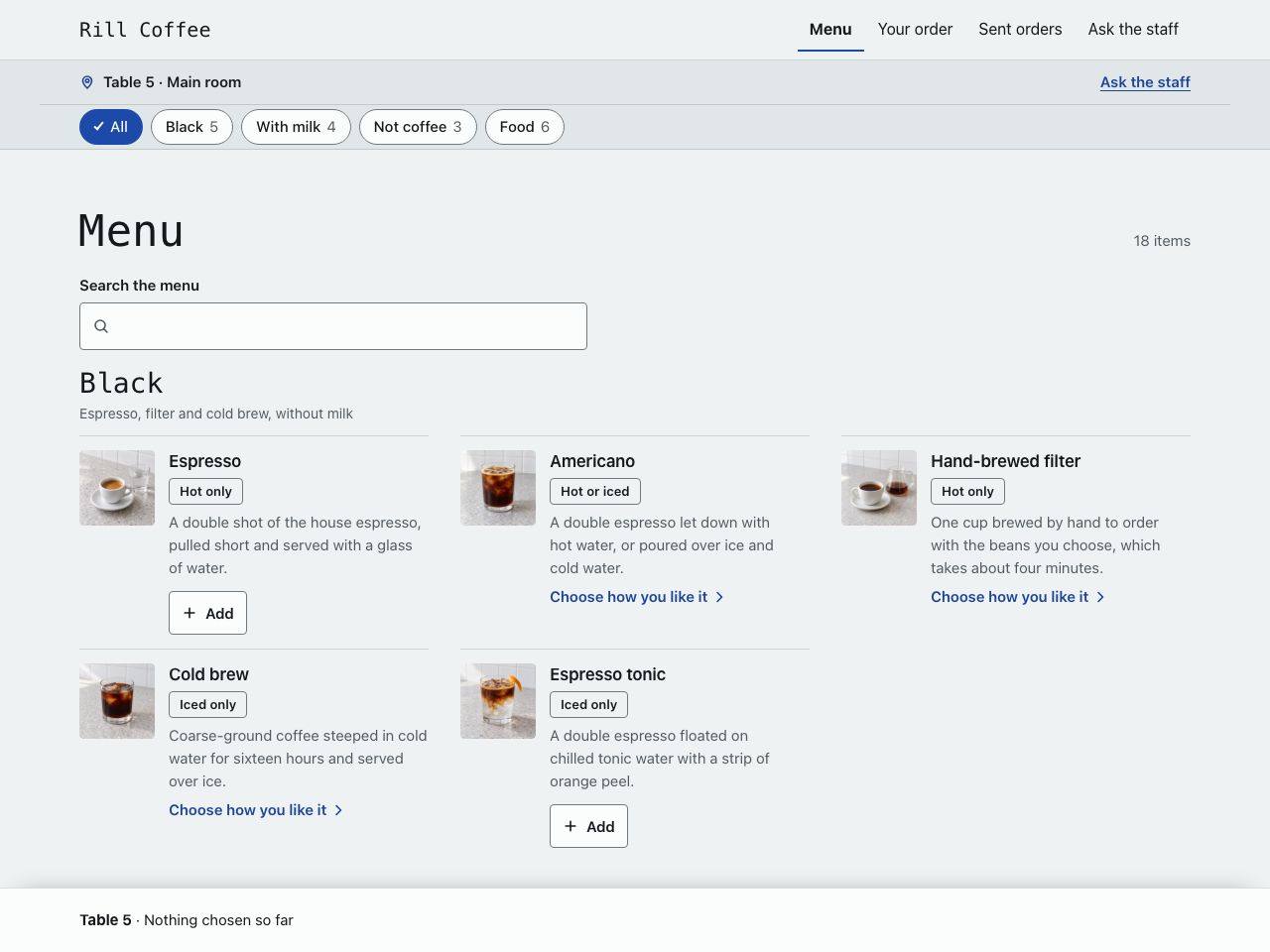
Fictional exampleRill Coffee · Café drink ordering
Try Choose an iced drink, set its size, milk and sweetness, add a snack and review exactly what you asked for.
Showing an example for Café. Change venue type
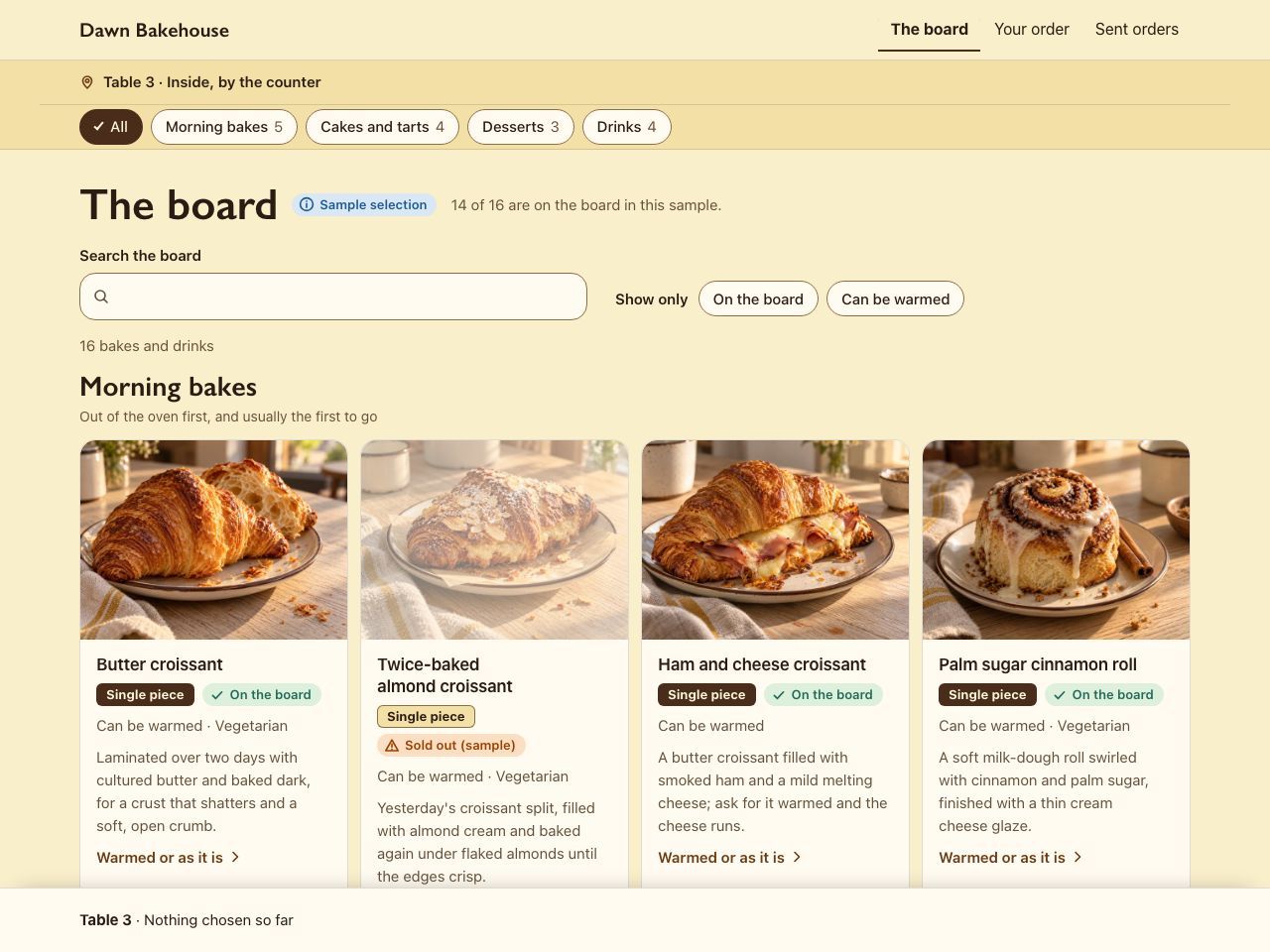
Fictional exampleDawn Bakehouse · Bakery café ordering
Try Choose a dessert, check how it is served and its ingredient note, add a warmed pastry and a drink, then review the table's order.
Showing an example for Bakery and dessert café. Change venue type
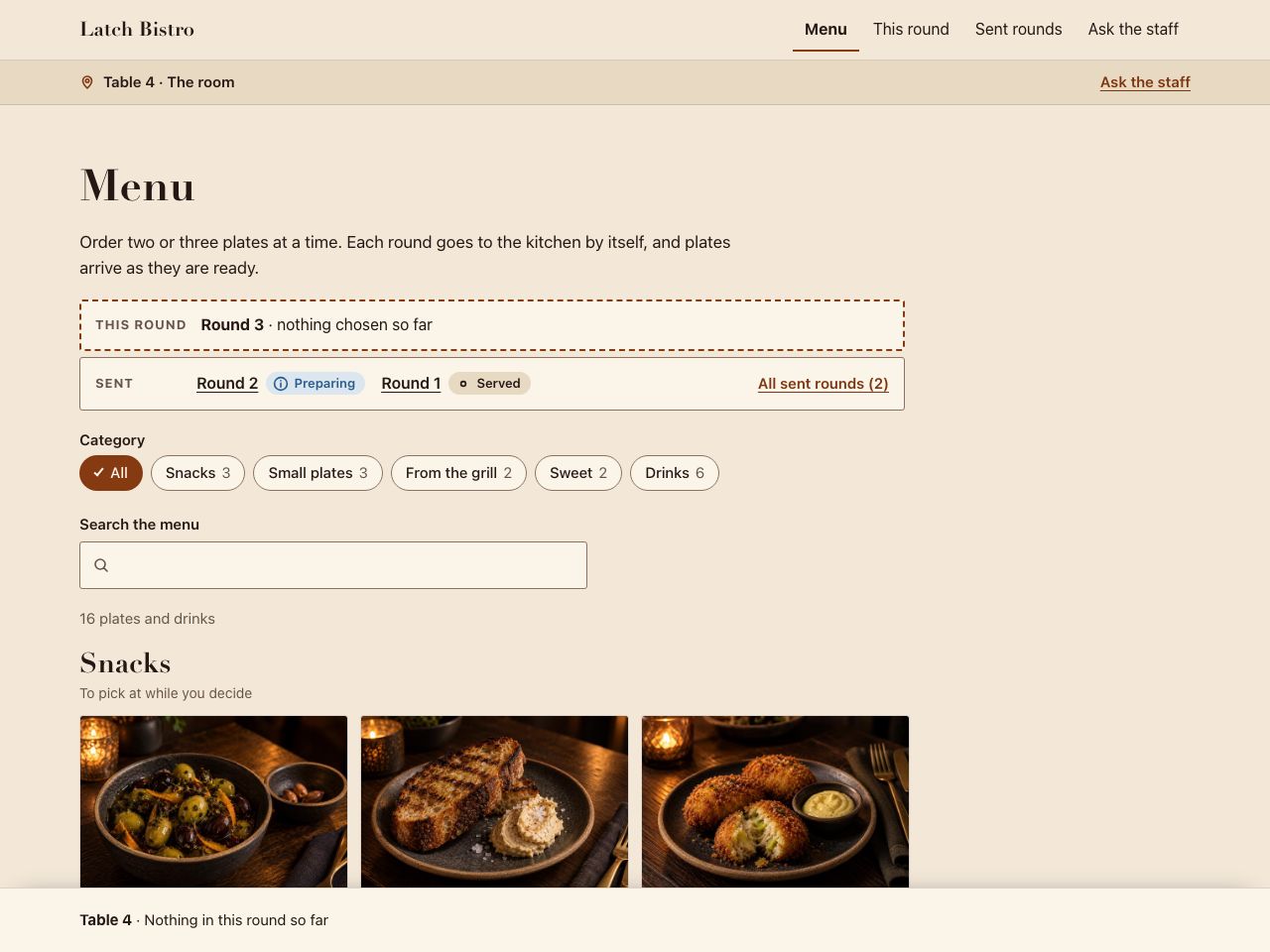
Fictional exampleLatch Bistro · Bistro ordering in rounds
Try Send a first round, keep browsing, then send a second round without repeating the first.
Showing an example for Bistro. Change venue type
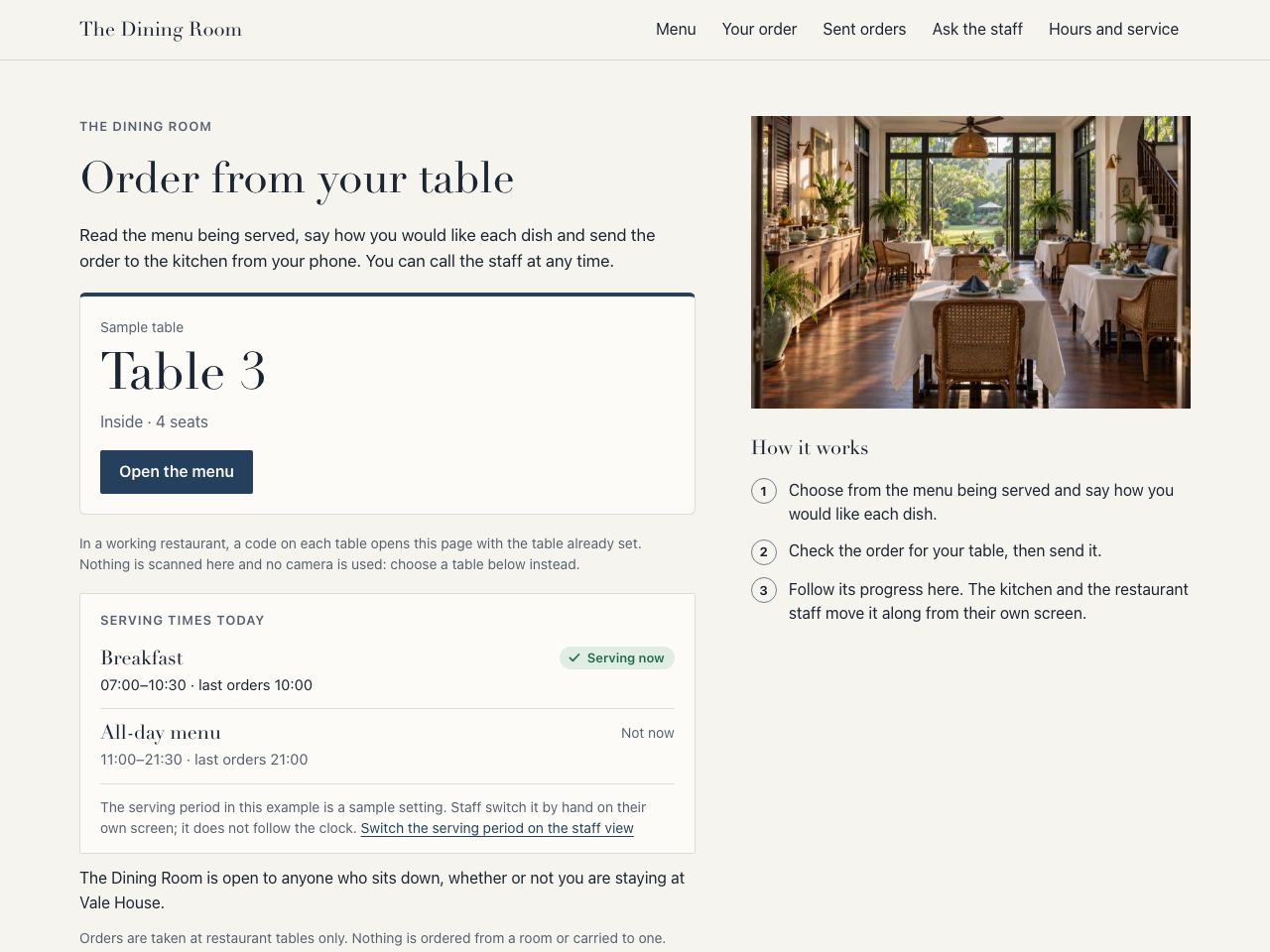
Fictional exampleVale House · Hotel restaurant ordering
Try Browse the menu being served now, choose your items, check the restaurant and table on the review and send the order.
Showing an example for Hotel restaurant. Change venue type
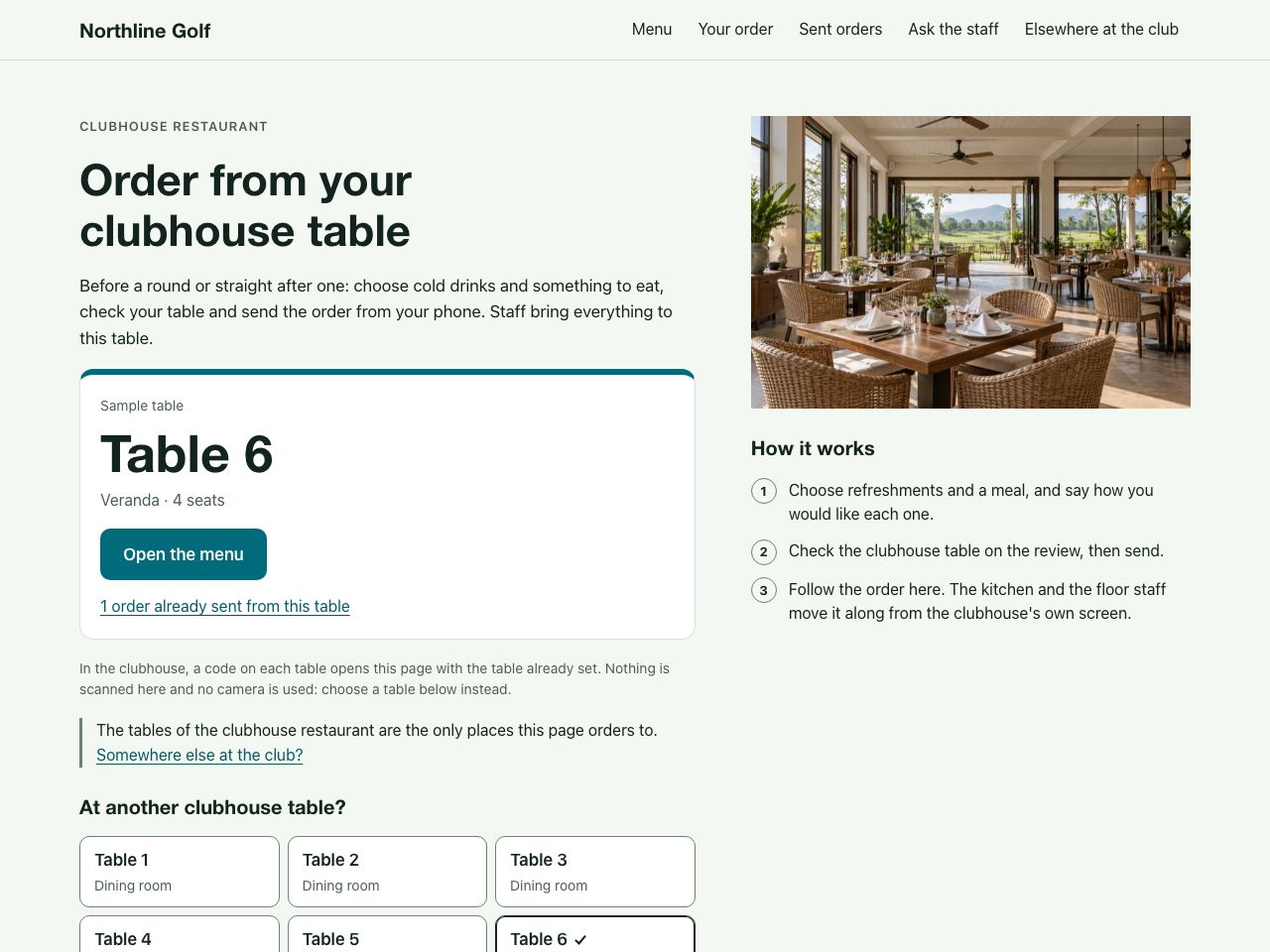
Fictional exampleNorthline Golf · Clubhouse restaurant ordering
Try Choose a drink and a meal, check the clubhouse table on the review and send the order.
Showing an example for Golf clubhouse restaurant. Change venue type
Choose the kind of venue you run. Each example is a fictional business with sample data, and it works: open it and order as a guest would.
Appointments. QR Ordering is for ordering food and drink from a table, so it has no example for a salon or another appointment business.
Closest examples: Salon appointments — Sable Studio Salon website — Sable Studio
Retail brand. QR Ordering is for ordering food and drink from a table, so it has no example for a retail brand.
Closest examples: Apparel store — Twill Studio Apparel brand website — Twill Studio
Construction & property. QR Ordering is for ordering food and drink from a table, so it has no example for a construction or property business.
Closest examples: Construction company website — Fieldwork Build Construction consultations — Fieldwork Build
Pandan Table · Modern Thai neighbourhood restaurant
Try Add a main with its option, add a drink, change a quantity, review the order for your table and send it.
In this example
Rill Coffee · Specialty café
Try Choose an iced drink, set its size, milk and sweetness, add a snack and review exactly what you asked for.
In this example
Dawn Bakehouse · Bakery and dessert café
Try Choose a dessert, check how it is served and its ingredient note, add a warmed pastry and a drink, then review the table's order.
In this example
Latch Bistro · Small-plates bistro
Try Send a first round, keep browsing, then send a second round without repeating the first.
In this example
For a hotel, QR Ordering covers tables in the hotel's restaurant only; ordering from rooms and delivery to rooms are not part of it.
Vale House · Boutique hotel
Try Browse the menu being served now, choose your items, check the restaurant and table on the review and send the order.
In this example
For a golf club, QR Ordering covers tables in the clubhouse restaurant only; ordering and delivery on the course are not part of it.
Northline Golf · Golf club and academy
Try Choose a drink and a meal, check the clubhouse table on the review and send the order.
In this example
Try this example: Clubhouse restaurant ordering — Northline Golf
The example runs on sample data. What your own setup includes is agreed in the scope.
See the full scopeCosts and timingAll QR table ordering examples
Every project is scoped around your business. Tell us what you need and we will prepare a tailored proposal.
The first conversation is free. It can be online or in person.
We show you a draft first. If you agree in writing to go ahead, you pay a 50% deposit on the build fee, and the full build starts once it has cleared. When it is finished, you pay the remaining 50%, and the first month of your care plan if you ordered one, before it goes live. Once that has cleared, you have approved the launch and we have the domain and account access we need, it is live within 24 hours, weekends and holidays included.
Your website is yours to keep. If you end the monthly or annual plan, we hand over its files, content and access so it can stay online on your own hosting. Subscription services, such as booking, the online store, table ordering, the dashboard, the LINE assistant and the automations we run, stop at the end of the paid period, and you get your data back.
You choose and can change the website content. Your domain, payment and analytics accounts stay yours. O2 keeps its own reusable code and licenses it to you for your website.
The monthly plan includes two meetings to brief changes. Small changes are included; larger changes, such as a new interface or new tabs, are quoted first.
If payments stop, O2 tells you in writing and gives you at least 14 days to settle before the service is suspended, and never suspends it over a charge you dispute in good faith. You can get your content back within 30 days.
What other companies charge, such as a domain or a payment provider's fees, is confirmed in the proposal, not assumed.
If you need a transfer to another provider, agree the scope and terms in the proposal before work starts.
For a website, booking system or ordering system, the first demo is ready in 2 to 3 business days once we have your social-media details and the requested product images. It is the draft we show you before the 50% deposit; review, integrations and final launch follow the agreed scope.
The QR code on the table.
The menu and current promotions.
And pays, where your scope includes payment.
Against the right table.
Guests can call staff, and are invited to review afterwards.
No. A menu guests can read is a smaller scope than ordering and payment from the table. We agree which one you need.
It depends on the system. Tell us what you use and we will confirm what is feasible during discovery.
Tell us how often the menu changes and who changes it, and we will include the right way to do it in the scope.
Your business details, the content and photos you already have, access to the accounts involved, and one person who can answer questions. The exact list is part of the scope.
Ongoing care is a support arrangement written into your proposal, so what is covered is agreed before work starts.
We scope each project around your workflow, integrations and content. Tell us what you need and we will prepare a tailored proposal.
Turn enquiries into bookings with service selection, scheduling and payment options.
Give your team one clear place to manage customers, orders, bookings and daily work.
We will define the scope together.