Restaurant website
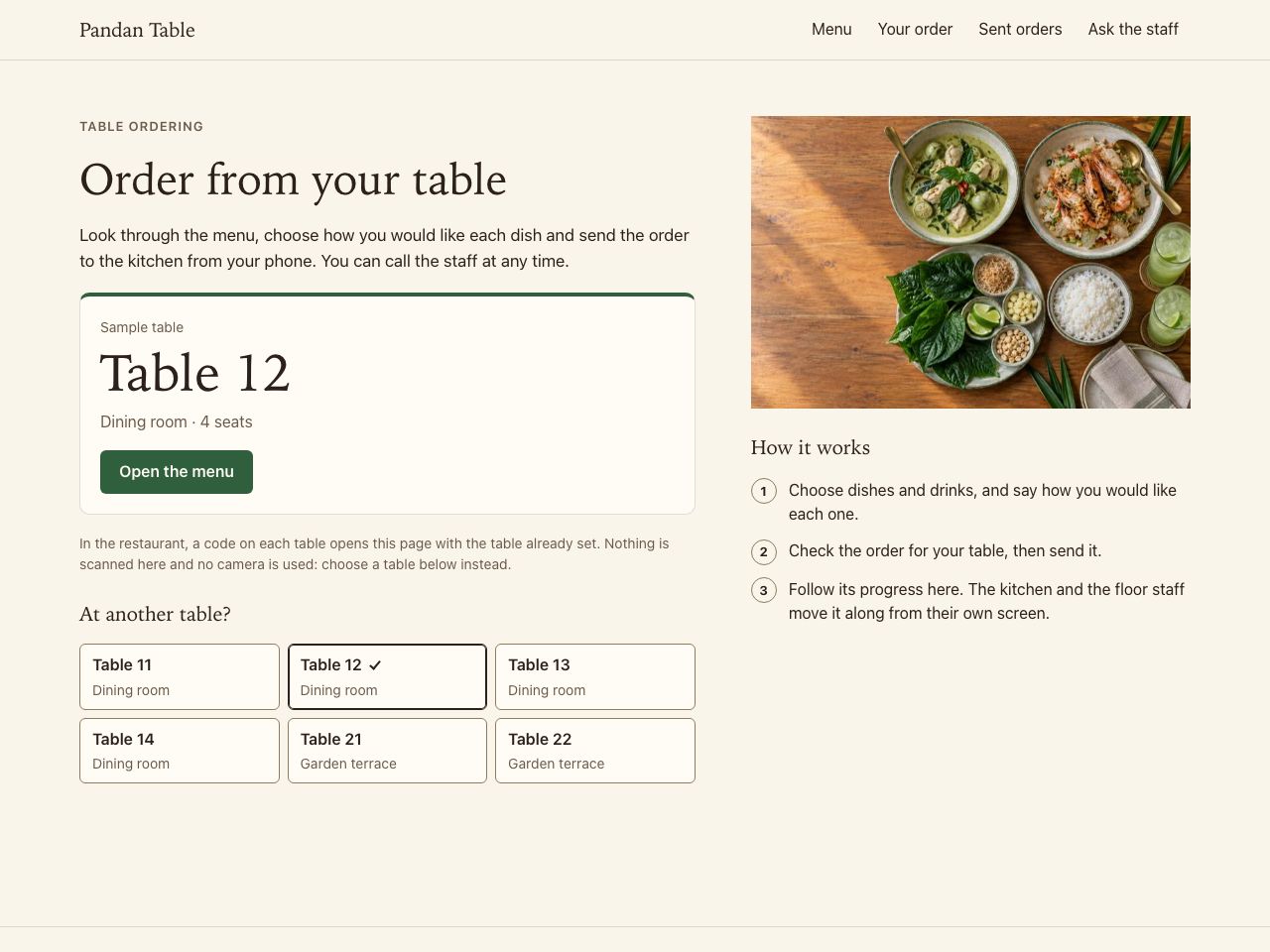
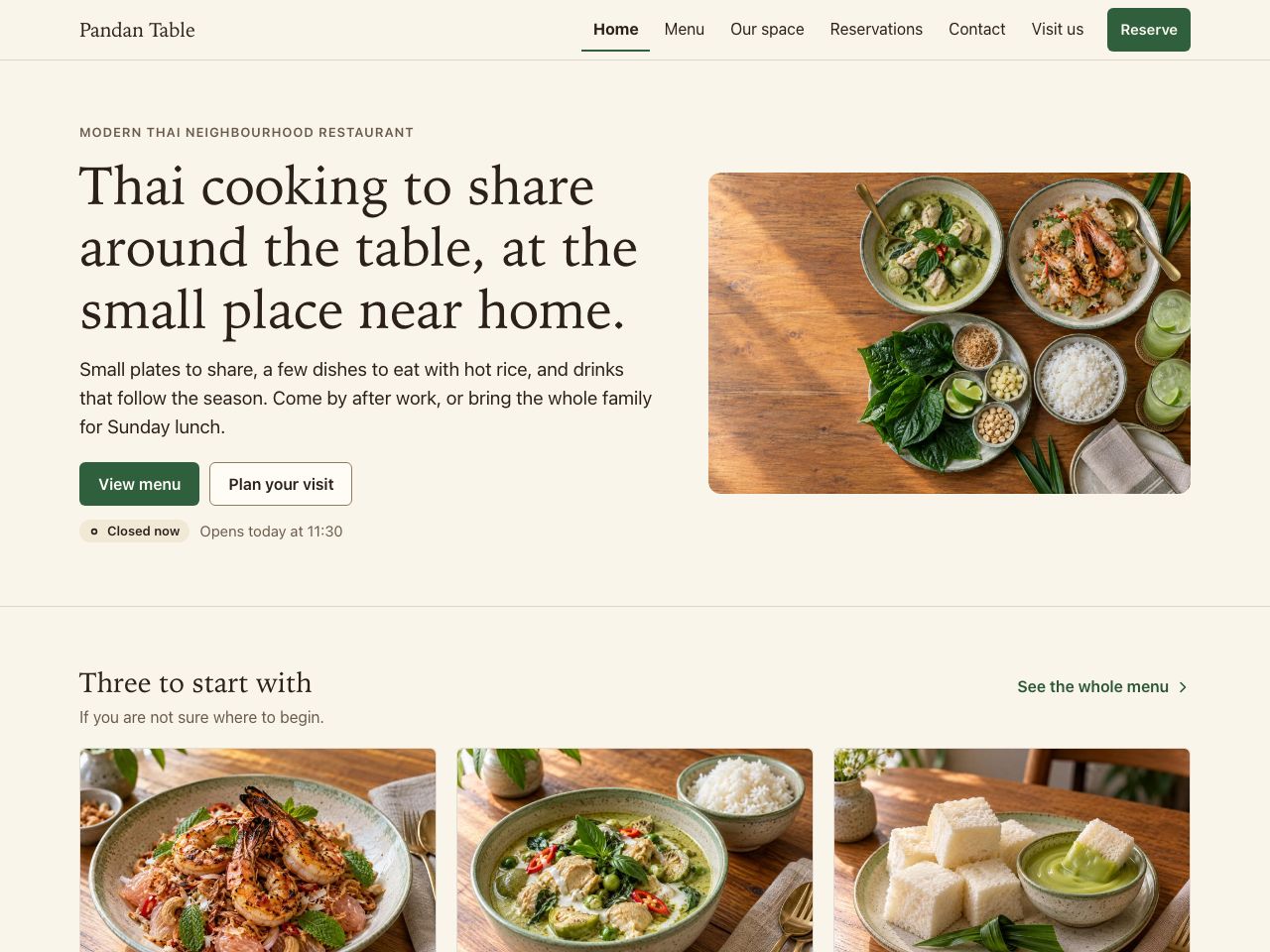
Pandan Table · Modern Thai neighbourhood restaurant
Try Open the menu, pick a category, filter by diet, read one dish, then send a reservation enquiry.
In this example
We are a Bangkok studio that designs and builds websites for restaurants and cafés. Guests read the menu on their phone, in Thai or English, then tap your LINE to ask or reserve, or your map pin to find you.
Pandan Table · Modern Thai neighbourhood restaurant
Try Open the menu, pick a category, filter by diet, read one dish, then send a reservation enquiry.
In this example
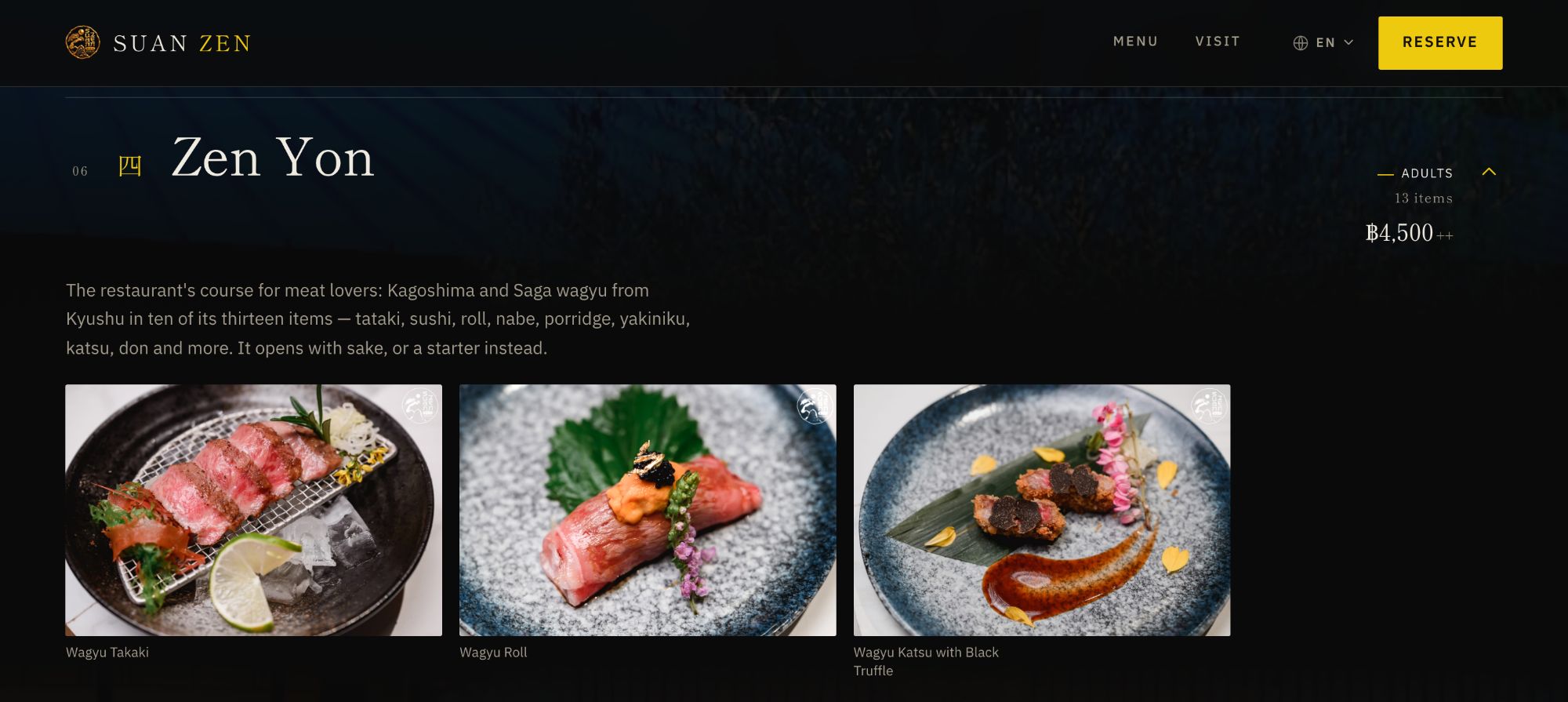
Omakase restaurant · Nonthaburi
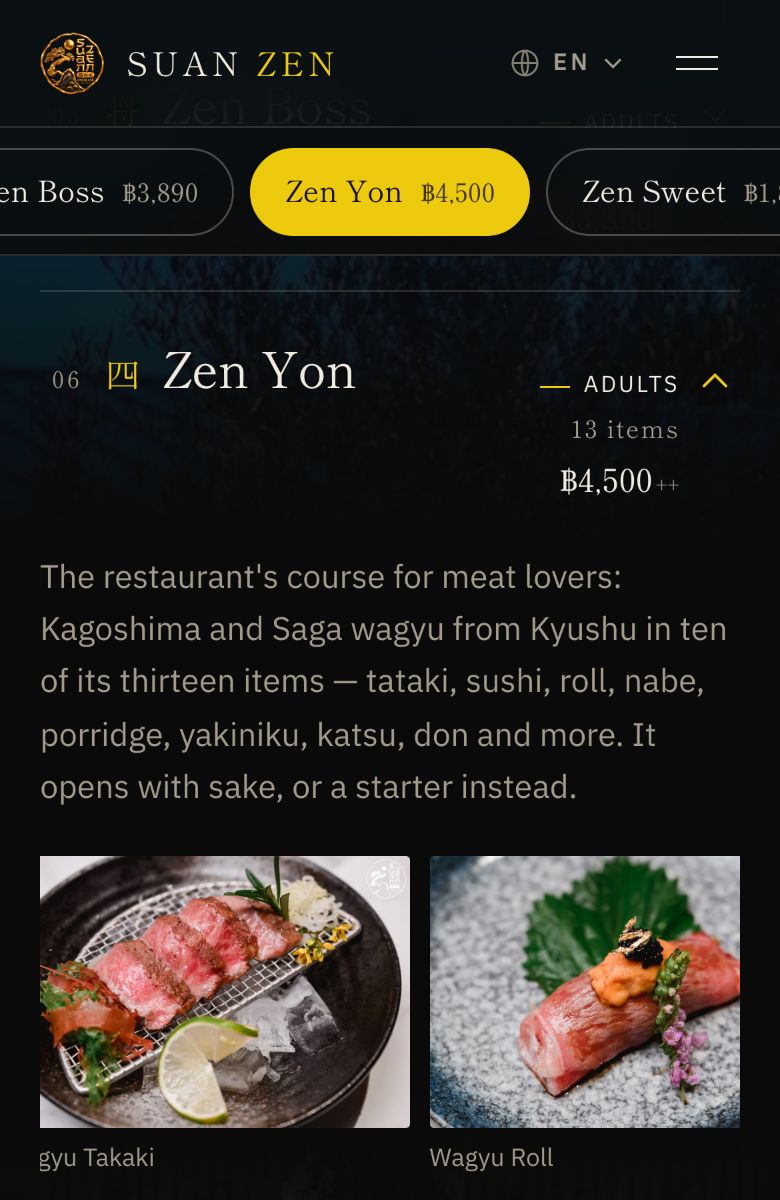
Suan Zen used to send guests photos of a paper menu over LINE, so guests could not see what each course included before they reserved. The restaurant now sends the menu site instead, and every course has its own page and its own dishes.
View project: Suan Zen OmakaseVisit website: Suan Zen Omakase (opens in a new tab)
We have not published measured results for this project. What is described here is what was delivered.
Start with whichever one is costing you most. Most restaurants do not need all of these at once.
Guests wait to order when the floor is busy
QR Ordering Each table gets a QR code for the menu, orders and calling staff.
Reservations arrive by chat and get missed
Lead-to-Booking Engine Guests choose a date and time and send the reservation themselves.
People cannot find your menu, hours or location
Business Website A bilingual site with your menu, hours, map and LINE.
You want orders and bookings in one view
Business Management Dashboard Only when you need a consolidated view on top of the above.
How it could fit together. A guest finds the restaurant on Google, reads the menu on the website, reserves a table, then orders from the table by QR. (an illustration, not a client result)
Choose the kind of venue you run. Each example is a fictional business with sample data, and it works: open it and order as a guest would.
Appointments. QR Ordering is for ordering food and drink from a table, so it has no example for a salon or another appointment business.
Closest examples: Salon appointments — Sable Studio Salon website — Sable Studio
Retail brand. QR Ordering is for ordering food and drink from a table, so it has no example for a retail brand.
Closest examples: Apparel store — Twill Studio Apparel brand website — Twill Studio
Construction & property. QR Ordering is for ordering food and drink from a table, so it has no example for a construction or property business.
Closest examples: Construction company website — Fieldwork Build Construction consultations — Fieldwork Build
Pandan Table · Modern Thai neighbourhood restaurant
Try Add a main with its option, add a drink, change a quantity, review the order for your table and send it.
In this example
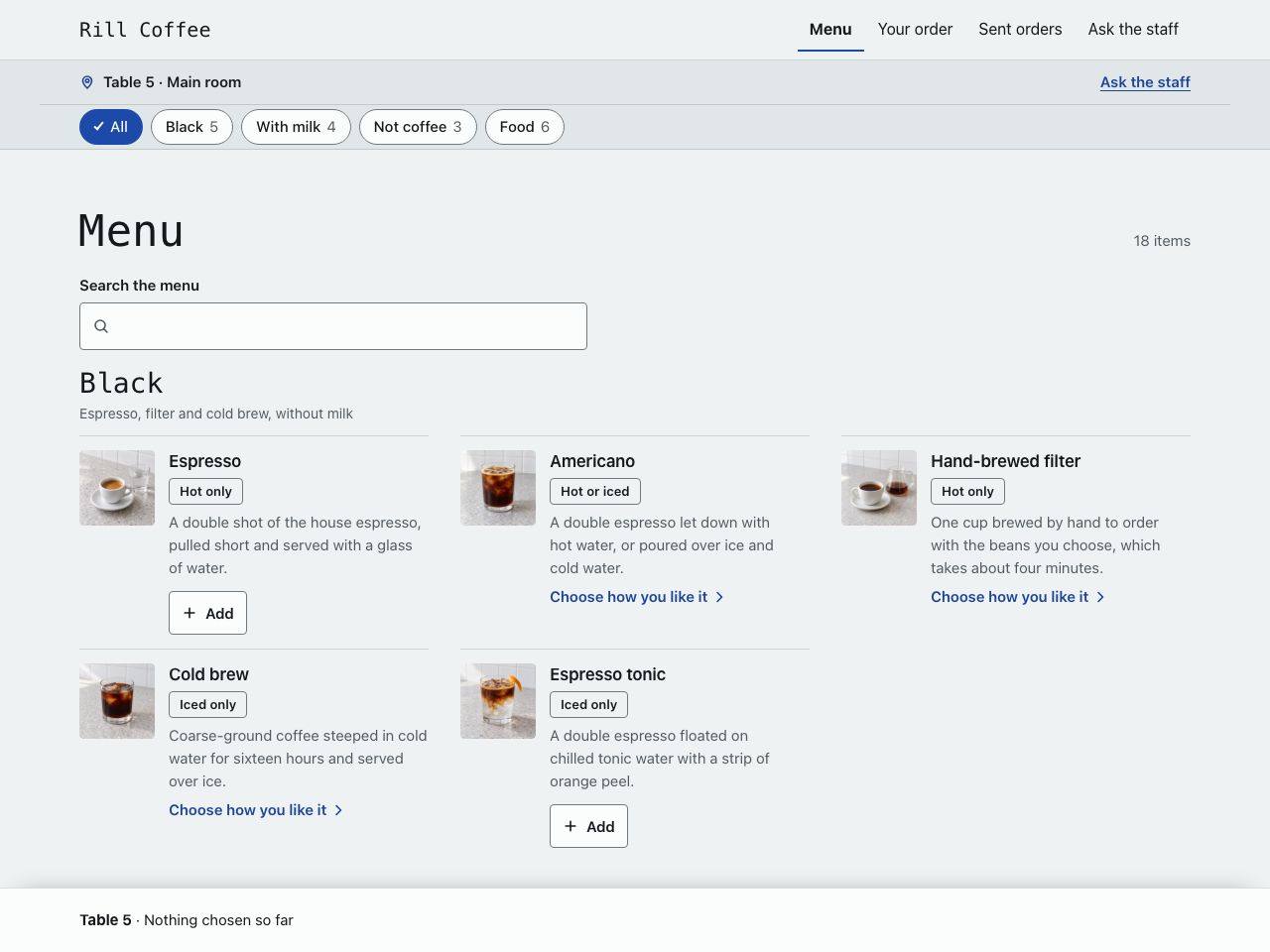
Rill Coffee · Specialty café
Try Choose an iced drink, set its size, milk and sweetness, add a snack and review exactly what you asked for.
In this example
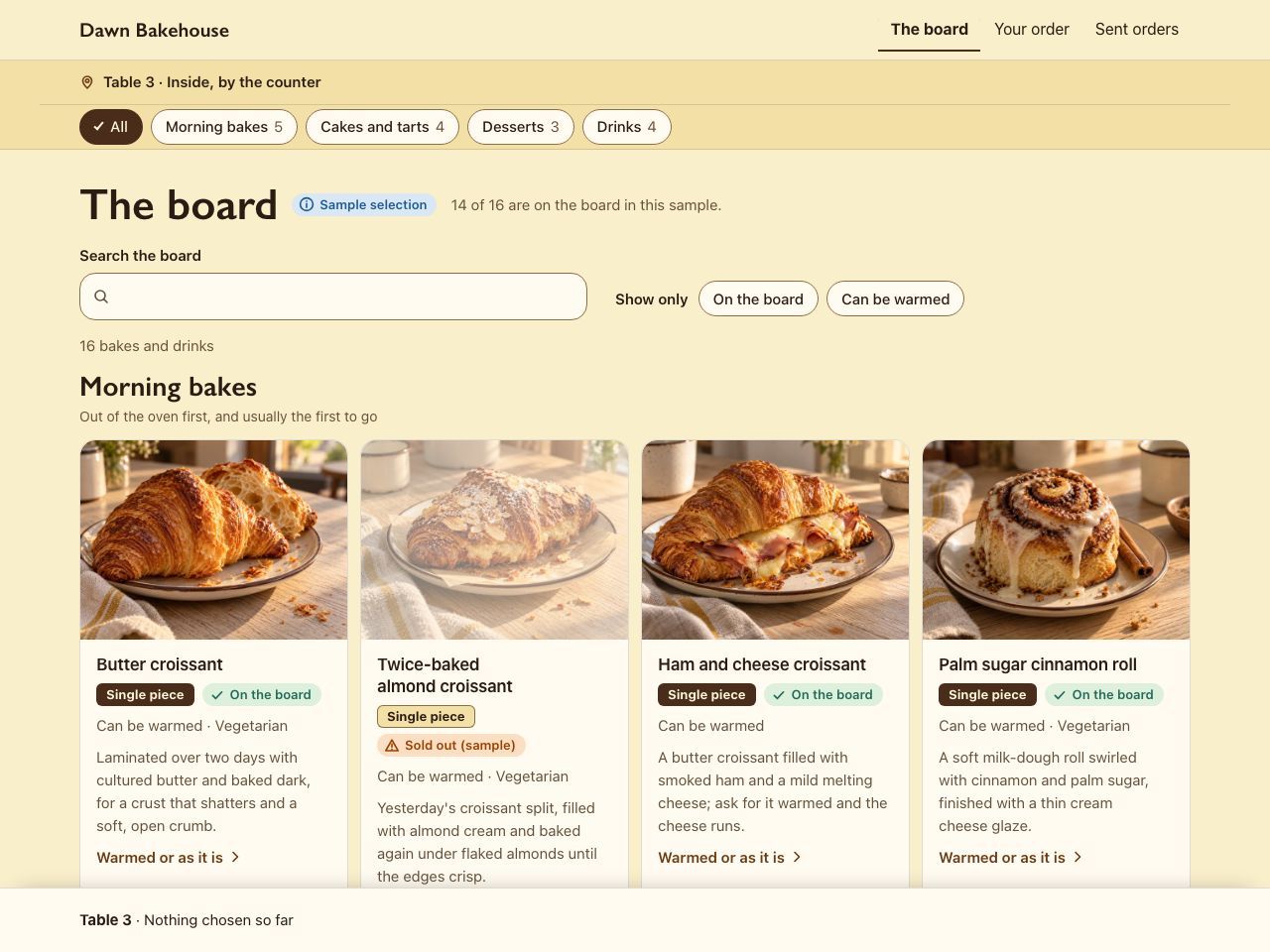
Dawn Bakehouse · Bakery and dessert café
Try Choose a dessert, check how it is served and its ingredient note, add a warmed pastry and a drink, then review the table's order.
In this example
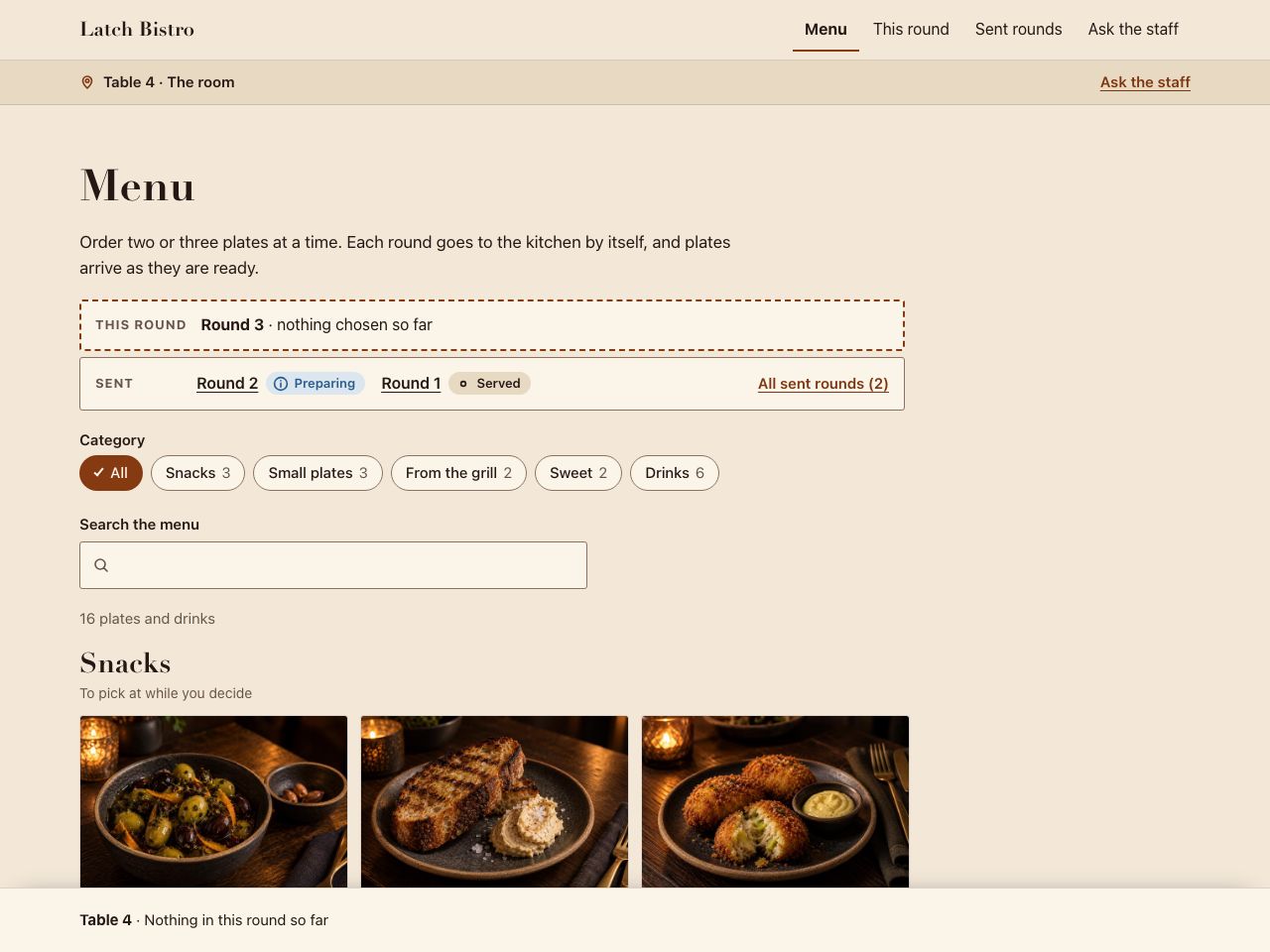
Latch Bistro · Small-plates bistro
Try Send a first round, keep browsing, then send a second round without repeating the first.
In this example
For a hotel, QR Ordering covers tables in the hotel's restaurant only; ordering from rooms and delivery to rooms are not part of it.
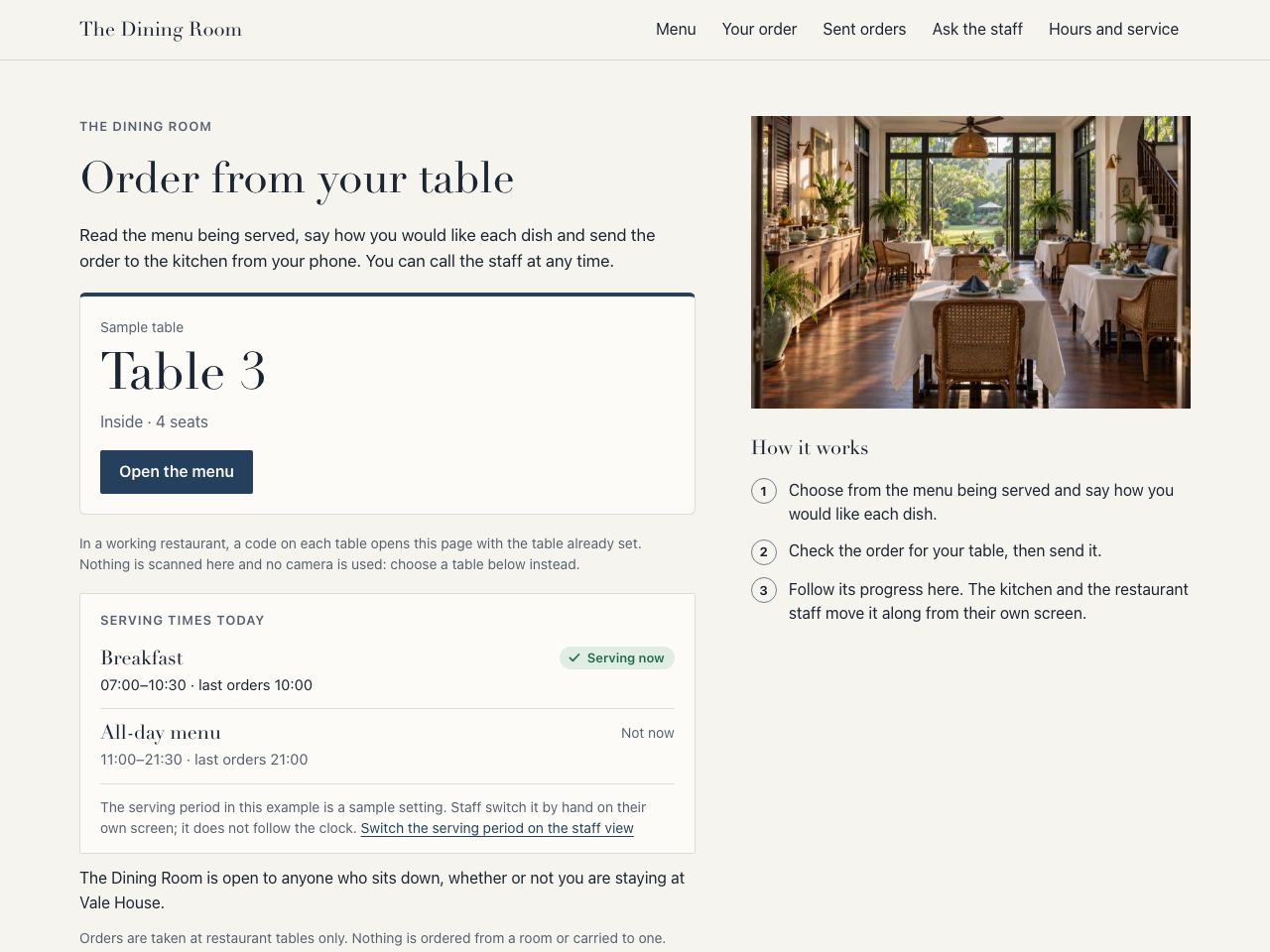
Vale House · Boutique hotel
Try Browse the menu being served now, choose your items, check the restaurant and table on the review and send the order.
In this example
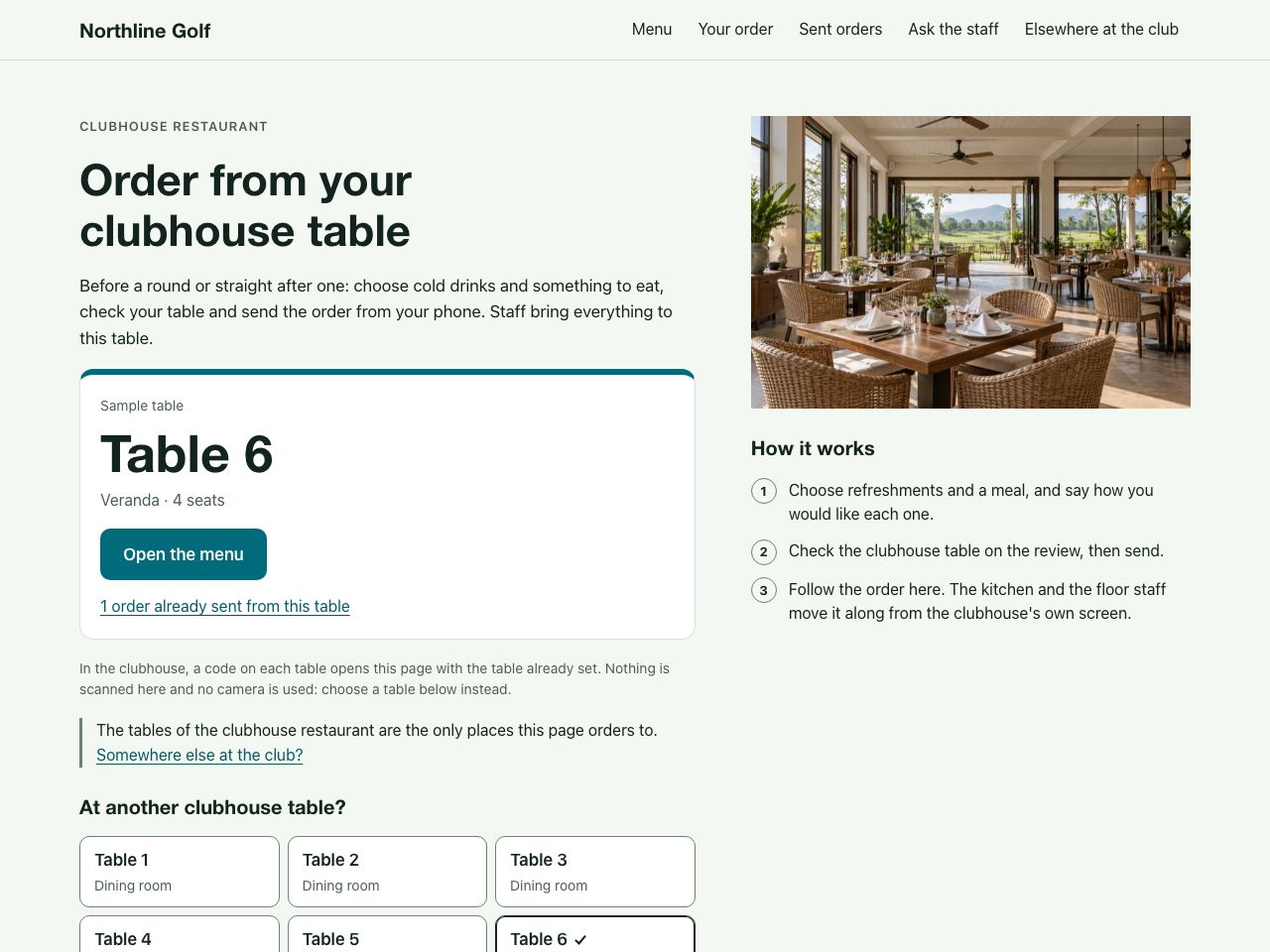
For a golf club, QR Ordering covers tables in the clubhouse restaurant only; ordering and delivery on the course are not part of it.
Northline Golf · Golf club and academy
Try Choose a drink and a meal, check the clubhouse table on the review and send the order.
In this example
Try this example: Clubhouse restaurant ordering — Northline Golf
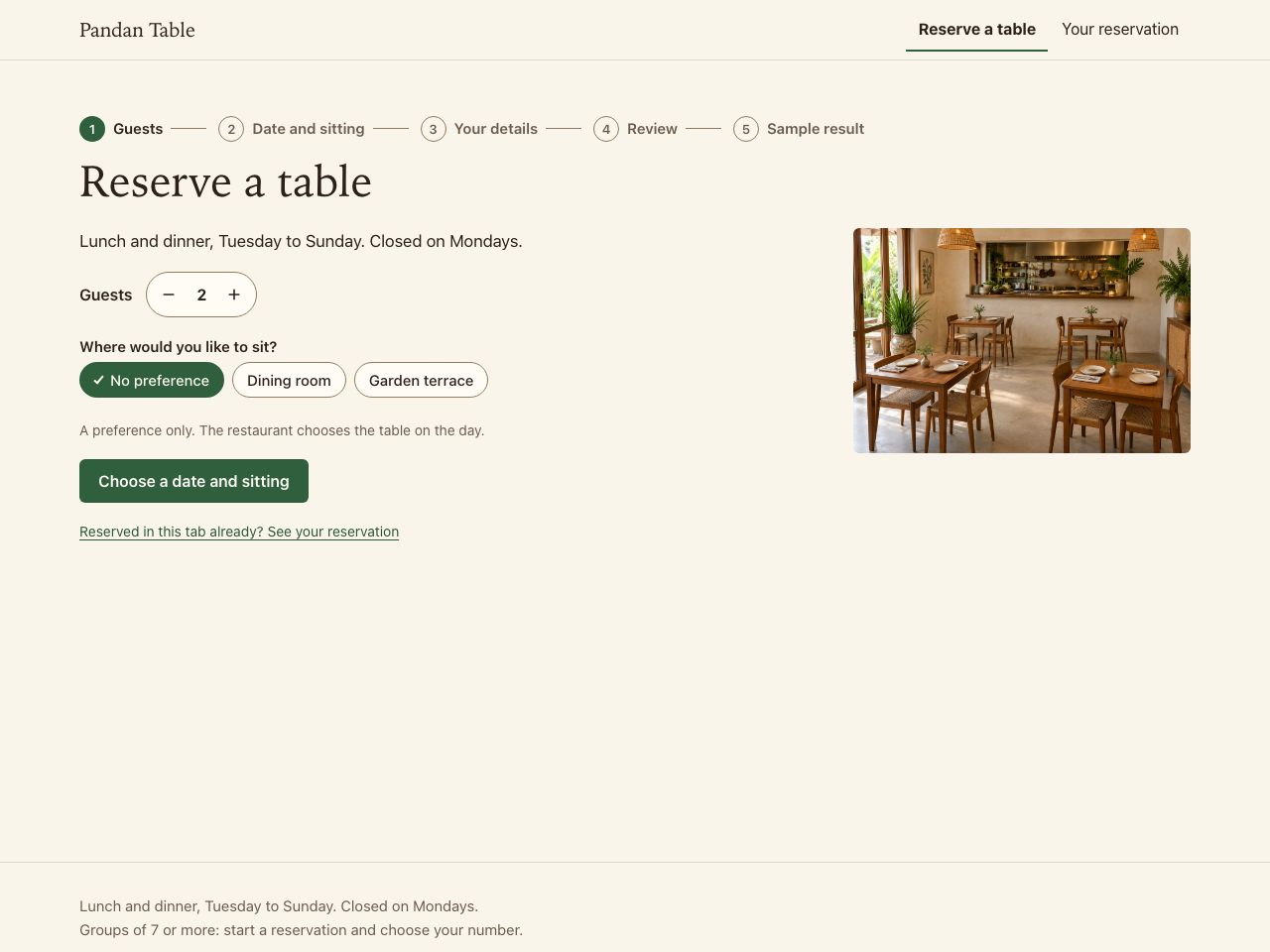
Pandan Table · Modern Thai neighbourhood restaurant
Try Reserve for four at a dinner sitting: choose the date, fill in sample details, review, and confirm the sample reservation.
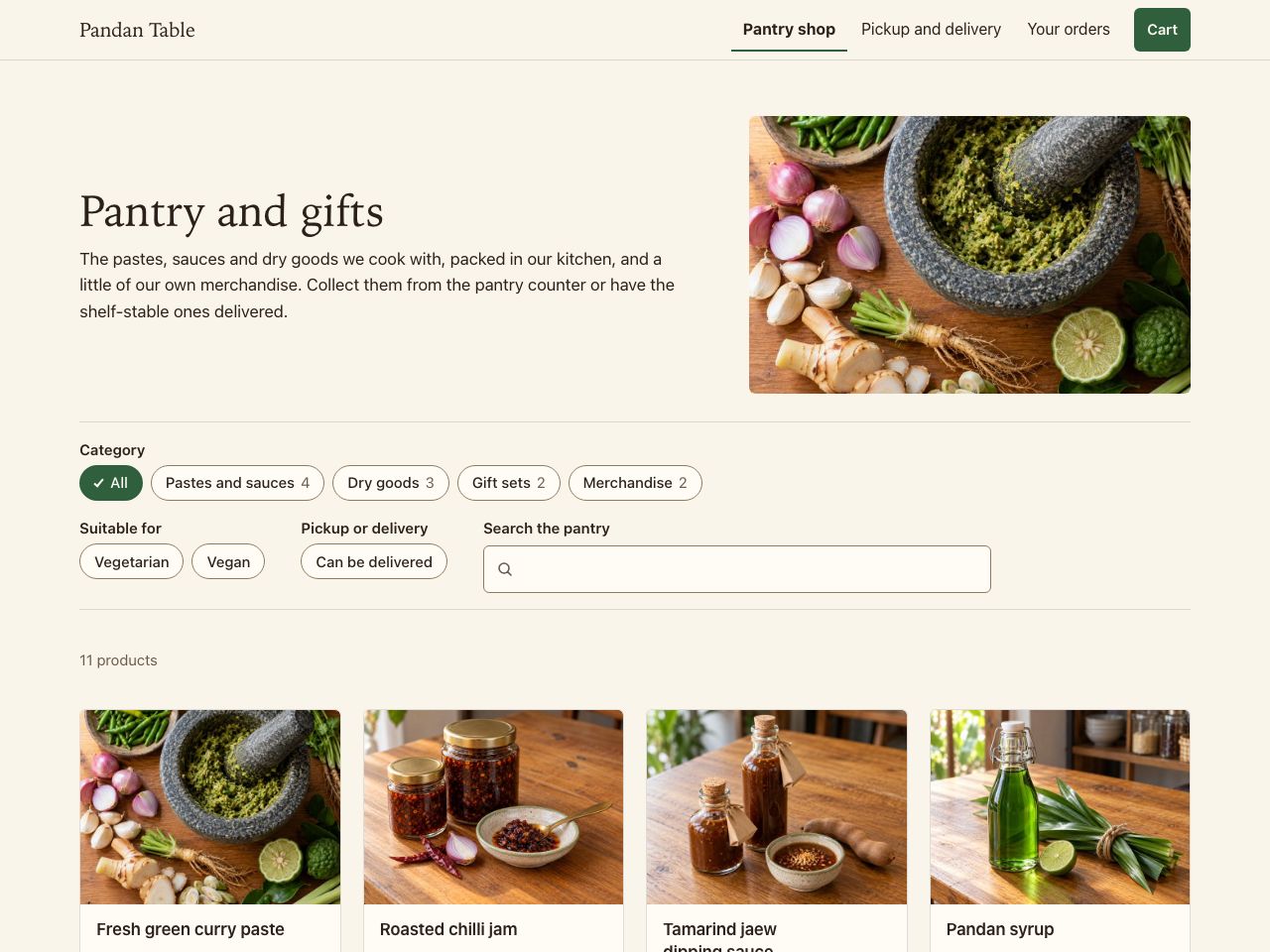
Pandan Table · Modern Thai neighbourhood restaurant
Try Choose a sauce, read what is in it and how to store it, pick a pack size, add a gift set and choose a pickup time.
Pandan Table · Modern Thai neighbourhood restaurant
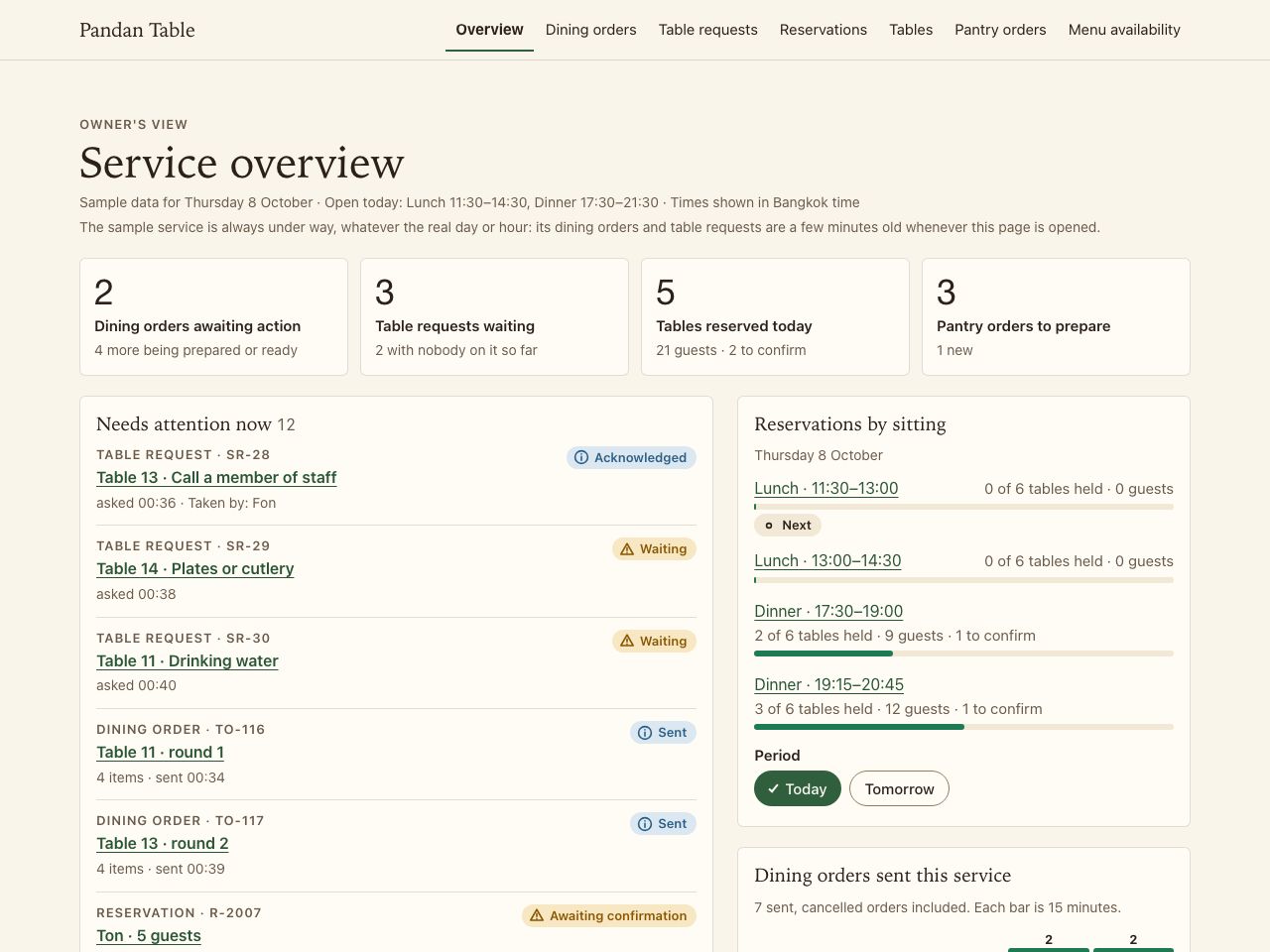
Try Open an order that needs attention, check its options, mark it Preparing and see the guest's tracker move.
Try this example: Restaurant operations dashboard — Pandan Table
Each example shows one product. They work together, and none of them requires the others.
A bilingual website that helps customers understand your business and get in touch.
Give every table a simple way to browse the menu, order and call staff, with payment at the table where your scope includes it.
Turn enquiries into bookings with service selection, scheduling and payment options.
Suan Zen's site is a Business Website. It does not use QR Ordering or the Lead-to-Booking Engine. The examples of those two on this page are fictional restaurants with sample data, not client work.
Guests asking the same things in LINE all day, such as your hours, where you are or how to reserve? An AI assistant can answer from information you approve and pass the rest to your team.
AI automationEvery project is scoped around your business. Tell us what you need and we will prepare a tailored proposal.
Start with a menu customers can read on a phone, current prices and opening hours, the location, and a clear way to contact the restaurant or reserve a table. Thai and English pages can serve local guests and visitors. Then choose whether staff confirm reservations in LINE or you need a separate booking flow. Table ordering, payment and POS connections are additional requirements to confirm, rather than reasons to delay a useful menu website.
No. The menu is a web page. Guests open it from a link, a QR code or your LINE, on their own phone.
Yes. Business Website is bilingual, with Thai and English on their own pages. For Suan Zen we added Simplified Chinese as a third language. Any further language is agreed in the scope.
There are two ways. A Reserve button can open your LINE with the guest's choice already in the message, as on Suan Zen's site; your team then confirms the table in the chat. Or the Lead-to-Booking Engine lets guests choose a date and time and see a confirmation. It is a separate product with its own page. We agree which one fits how you take reservations.
No. A menu guests can read is a smaller scope than ordering and payment from the table. We agree which one you need.
It depends on the system. Tell us what you use and we will confirm what is feasible during discovery.
Tell us how often the menu changes and who changes it, and we will include the right way to do it in the scope.
Search work is part of the website, not an extra purchase. We cannot promise a ranking, a first-page position or a mention in an AI answer; what you get is clear content and technically sound foundations.
We scope each project around your workflow, integrations and content. Tell us what you need and we will prepare a tailored proposal.
Describe what you want to improve and see which products fit, or talk to us directly.